
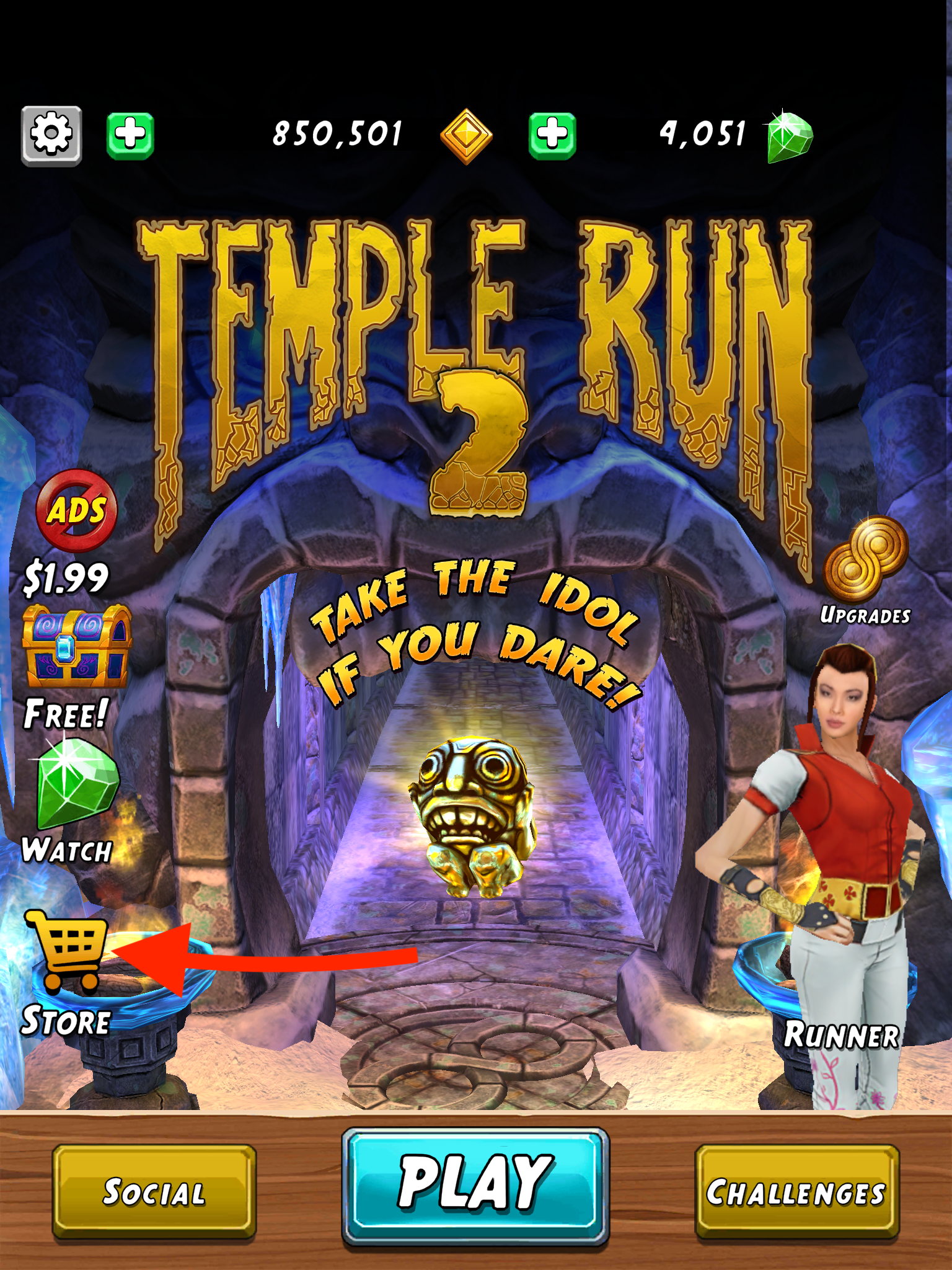
To buy items in the Store menu, first, you'll need to have a payment method saved on your Google Play or Apple ID account.
- iOS Users - You can learn more on how to add or update your Apple ID account payment method here: https://support.apple.com/en-us/HT201266
- Android Users - You can learn more on how to add or update your Google Play Store account payment method here: https://support.google.com/googleplay/answer/4646404?hl=en&co=GENIE.Platform%3DAndroid
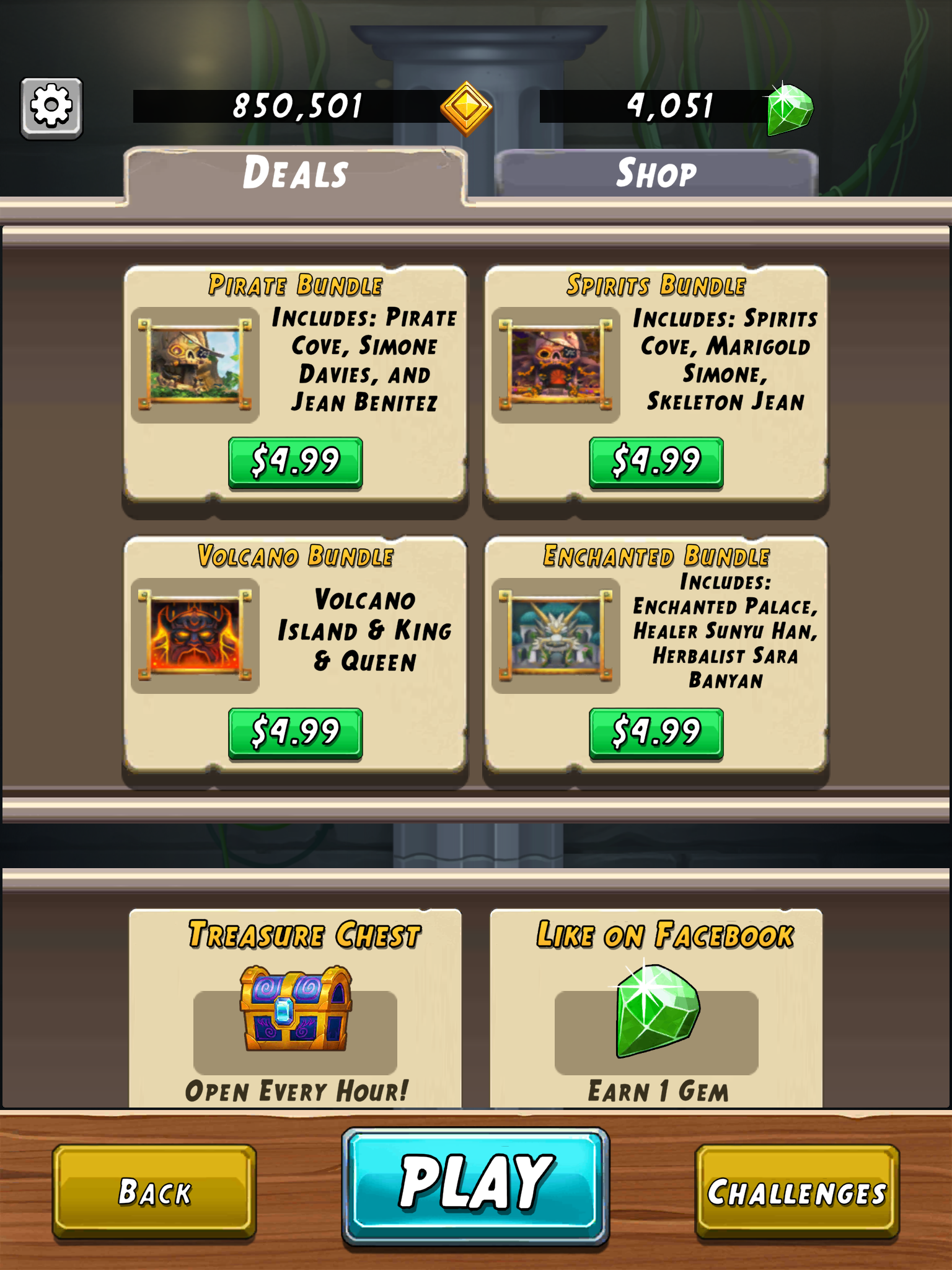
Once a payment method has been added to Google or Apple account, return to the Store menu of Temple Run 2. There you will the "Deals" and "Shop" tabs. The Deals tab has the seasonal or limited-time offers that are currently available. The Shop tab has coin packs, gem packs, and other offers that are available year-round.
Comments
0 comments
Please sign in to leave a comment.